How to Turn Clearcue Signals Into LinkedIn Conversations With FirstTouch (2026 Guide)
Clearcue finds the signal, FirstTouch sends the LinkedIn message, and your AI assistant connects them via MCP. Setup, message formula and 3-step sequence.
Clearcue finds the signal, FirstTouch sends the LinkedIn message, and your AI assistant connects them via MCP. Setup, message formula and 3-step sequence.
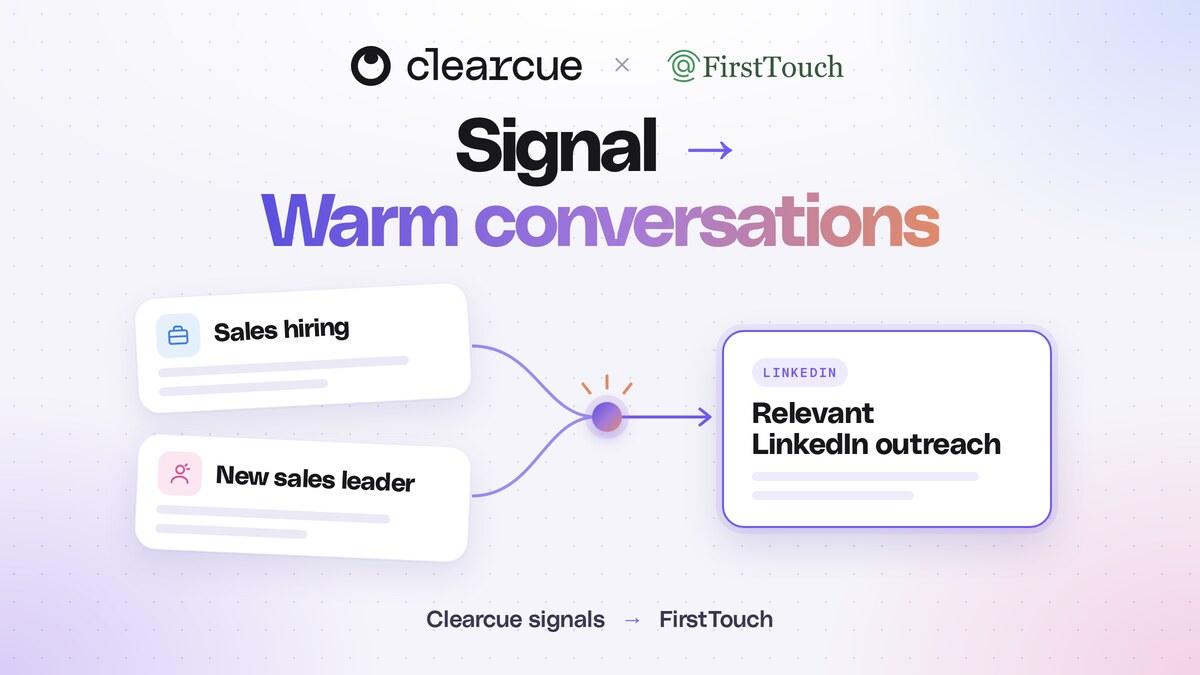
Clearcue and FirstTouch now work together. Clearcue finds the people and companies showing the right signals and hands over the context behind each one as structured data. FirstTouch takes the next step on LinkedIn: it sends the connection request, the message and the follow-up from your team's own profiles, and tracks every touch in HubSpot. Your AI assistant connects the two through MCP.
A strong signal gives you more than a name to contact. It gives you a reason to start a conversation. This guide shows how to build that workflow for your own company.
| Clearcue | FirstTouch | |
|---|---|---|
| The job | Find who is worth talking to now, and why | Start the conversation on LinkedIn |
| What it covers | Hiring, leadership moves, company growth, tech stack, social activity, news and events | Connection requests, messages and InMails from your team's profiles, approval controls, a shared inbox, HubSpot logging |
| How your assistant reaches it | Clearcue MCP | FirstTouch MCP |
| Pricing | From €79/month billed yearly, 7-day free trial | $99 per sender per month with 500 credits, free trial |
Signal stacking is where Clearcue is strongest. One event gives you a clue. Several relevant pieces of context give you a specific reason to reach out.
Take a company that sells a way to connect LinkedIn activity to HubSpot revenue. Its stack might be:
The first three criteria establish fit. The hiring or leadership change establishes timing, and you need only one of the two. Save the combination in Clearcue, with clear definitions of what counts as recent and which accounts you want.
Your stack can look completely different. Start with the problem your company solves, then ask which observable changes make that problem more likely or more urgent. A recruiting firm might look for several open roles plus a new department leader. An onboarding platform might look for a growing team opening a new location.
The signal is the copy. When the context is specific, you can skip the long pitch and ask one relevant question.
For a company whose tenth sales hire is verified:
Saw you just brought on your 10th rep and are heavily active on LinkedIn. Are you able to tie that LinkedIn activity to revenue inside HubSpot?
The recipient can see why you reached out and why the question matters. Use the same structure for your own offer:
Saw [verified change] and [relevant context]. [One simple question about the outcome your company helps with]?
An onboarding platform could ask: "Saw you're hiring across three new locations. How are you keeping onboarding consistent as those teams grow?"
Keep every detail grounded in the evidence. A company having at least 10 reps does not mean it just hired its tenth. If Clearcue shows open AE roles, mention those roles instead. Every Clearcue signal comes with its source and date, so you can check before you send.
A broad ICP forces a broad message. "Software companies" gets you a long list and a generic opener. "Software companies using HubSpot, growing their sales team and active on LinkedIn" gets you a specific situation to talk about.
The more relevant the stack, the easier the message is to write and the easier it is for the recipient to see why it is for them. That can mean more replies and more of them turning into meetings. Measure positive replies and meetings per stack, and add a filter only when it strengthens the reason to talk, not just because it makes the list smaller.
MCP lets an AI assistant use the tools of connected products. Clearcue supplies the signal context, FirstTouch handles the LinkedIn outreach, and your assistant connects the two.
Connect Clearcue first
https://api.tools.clearcue.ai/mcp, and sign in to your workspace. The Clearcue MCP guide has setup steps for each assistant. The Clearcue MCP is included in the free trial.Then connect FirstTouch
https://mcp.firsttouch.ai as a second MCP connection in the same assistant. Authorize the right team, then ask the assistant to check your sender and load the Dynamic Actions guide.Creating Dynamic Actions needs Team Admin permissions in FirstTouch, and full MCP access needs an active trial or paid plan. Every action needs approval by default. Keep it that way while you review the first examples, then choose explicitly what may run automatically.
Already connected? Skip the request and start with the message. Stop on a reply and after the last follow-up. Keep both paths in one enrollment so a late acceptance never triggers a second opener, and confirm the reply-stop and timeout behaviour before turning on automatic follow-ups. InMail needs an eligible LinkedIn account; for a saved first-degree connection, FirstTouch sends a normal message instead.
Use ChatGPT, Claude, Grok Bot or another assistant that supports MCP. Connect both tools, preview one match, then save the workflow as a daily task with your sender, time, timezone, contact limit and approval settings.
Whichever you use, make sure future runs keep both MCP connections and a lasting record of processed contacts, such as a connected Google Sheet, so the same person is never enrolled twice.
FirstTouch's full walkthrough and copyable daily prompt covers each assistant and the exact action sequence. Replace the example company, ICP and question with your own.
Start with the stack that makes your offer most relevant. Let the signal shape the question, and give the recipient a clear reason to reply.
Start using Clearcue today and never miss a buying signal again.