Changelog

New updates and improvements to Clearcue.

Lookalike Signal

Lookalike Signal

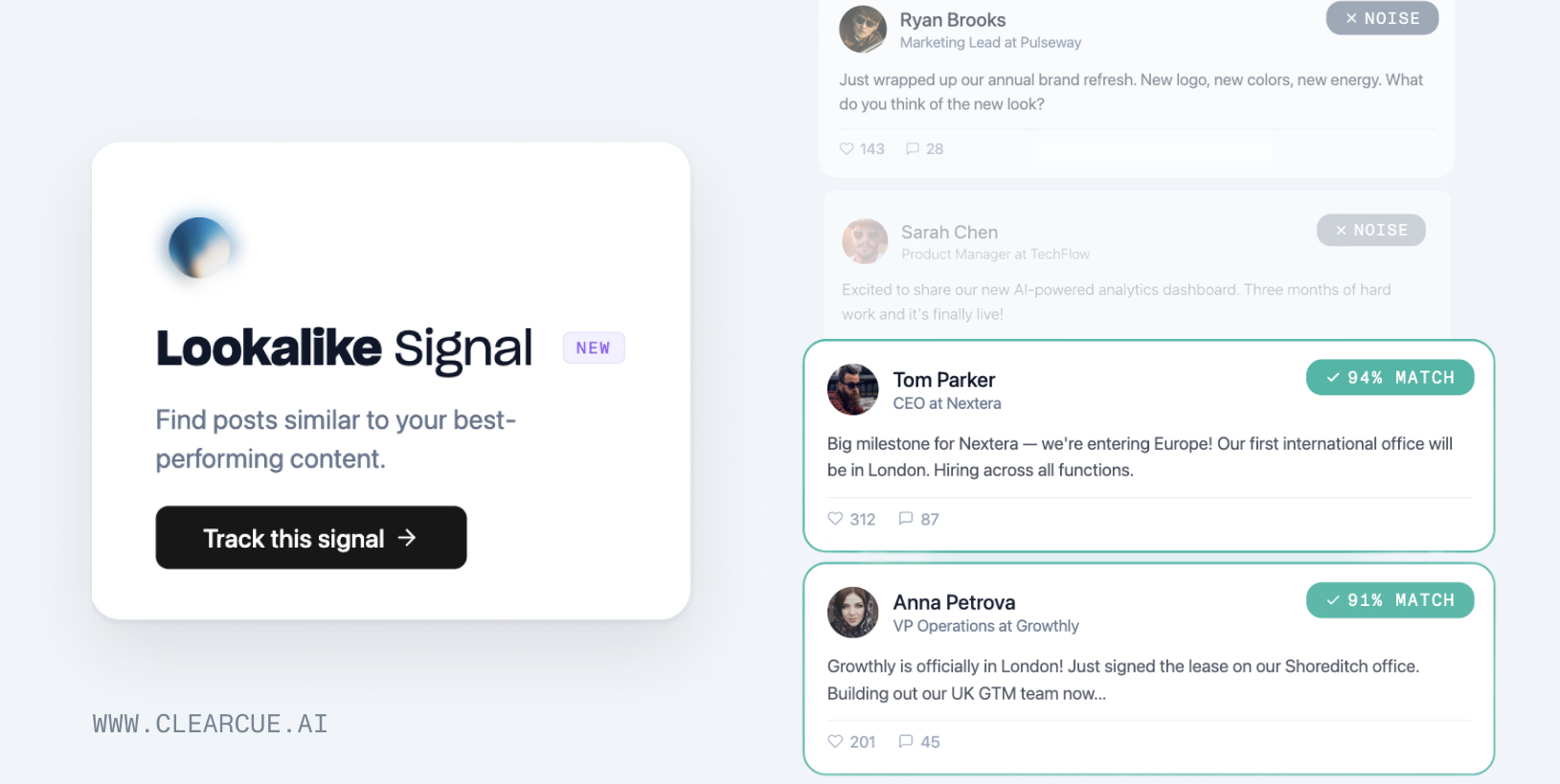
Find people and companies who are behaving like your current buyers.

Lookalike Signal is a new signal type that works differently from keyword or AI signals. Instead of describing what you're looking for, you point it at a post that represents a buying signal — and Clearcue finds more posts like it.

How it works:

  • Pick a source post that represents your ideal signal (e.g., "Company opening an office in London")
  • Clearcue scans your feed and finds similar posts from other people and companies
  • Each match gets a relevance score so you can prioritize the strongest leads

This is especially useful when the signal you're tracking is hard to describe with keywords but easy to recognize when you see it.

Go to Signals → Create Signal → Lookalike Signal

  • Onboarding walkthrough — New interactive animated walkthrough that guides you through creating your first signal.
  • List folders — Organize your lists into folders for a cleaner workspace.
  • New joiner signal template — New signal template for tracking when people join new companies.
  • AI signal review — Improved AI signal qualification for higher accuracy and fewer false positives.
  • Insights for Researchers — The Insights screen is now available for the Researcher role.
  • Fixed engagers being added as default on every search.
  • Fixed signal grouping not displaying correctly.
  • Fixed tracked account details not showing message sent/received status.

New MCP Tools

We've made several improvements to the Clearcue MCP integration for Claude and ChatGPT:

  • Tagging from AI tools — Tag people and companies directly from your AI assistant without leaving the conversation.
  • Richer return data — Person and company IDs are now included in MCP responses, making it easier to build workflows that reference specific records.
  • Signal templates in MCP — Access signal templates directly from your AI tools to create new signals faster.

Company Enrichment from Domain

Enter your company's domain and Clearcue automatically fills in your company context — description, value proposition, pain points, ICP, and competitors. This gives Cue AI the background it needs to generate more relevant signals for your business.

  • Signal status — See when a signal is getting data directly in the signal config.
  • Hiring signal accuracy — Improved the AI prompt for hiring signals to reduce false positives.
  • Navigation redesign — Cleaner sidebar with data sources moved to Settings for a less cluttered experience.
  • Better keyword suggestions — Search suggestions are now more relevant when building keyword-based signals.
  • "About me" in webhooks — The about me field is now included when syncing records via webhooks.
  • Signal limit feedback — Clearer messaging when you approach or hit signal limits.
  • Fixed dark mode styling inconsistencies in the Records view.
  • Fixed signal loading performance when viewing person signals.
  • Fixed signals not appearing in person/company profiles and dashboard sidebar.
  • Fixed daily signal triggering not running on schedule.
  • Resolved issue where multiple audience filters couldn't be added.
  • Fixed Cue AI generating oversized keyword queries that returned no results.
  • Fixed payment flow incorrectly redirecting to the getting started page.
  • Fixed credits balance not displaying for paying customers.
  • Improved database query performance across the platform.
  • Fixed broken images in signal previews.
  • Fixed errors when new users navigated to Companies or People pages.

Signals Template Library

Signals Template Library

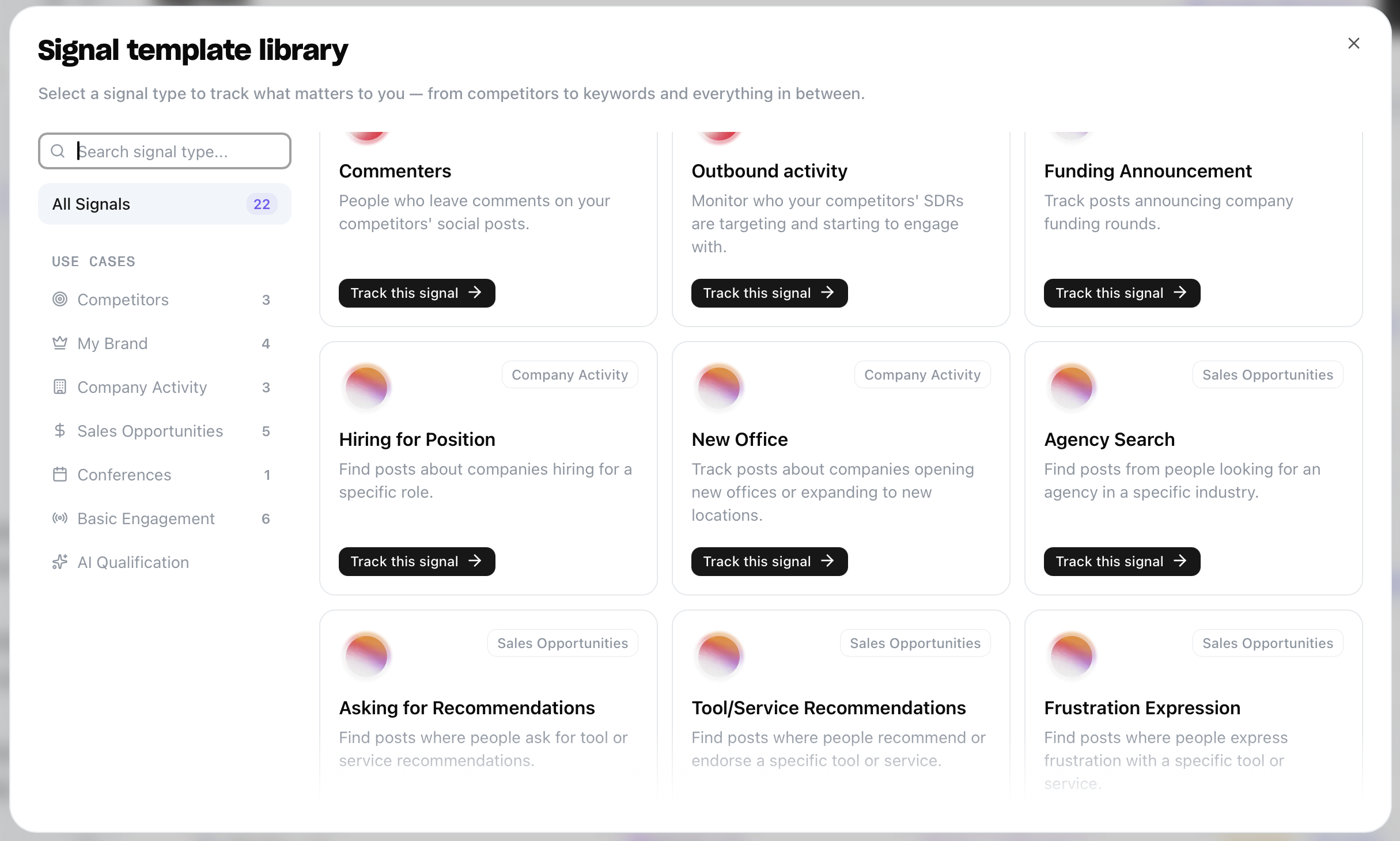
Setting up signals from scratch takes time. You need to think about the right keywords, write qualification prompts, and figure out what to monitor. Most of that work is the same across teams.

The Template Library gives you a catalog of ready-to-use signals organized by what you're trying to do. Pick a template, fill in a variable or two, and you're tracking.

Competitors

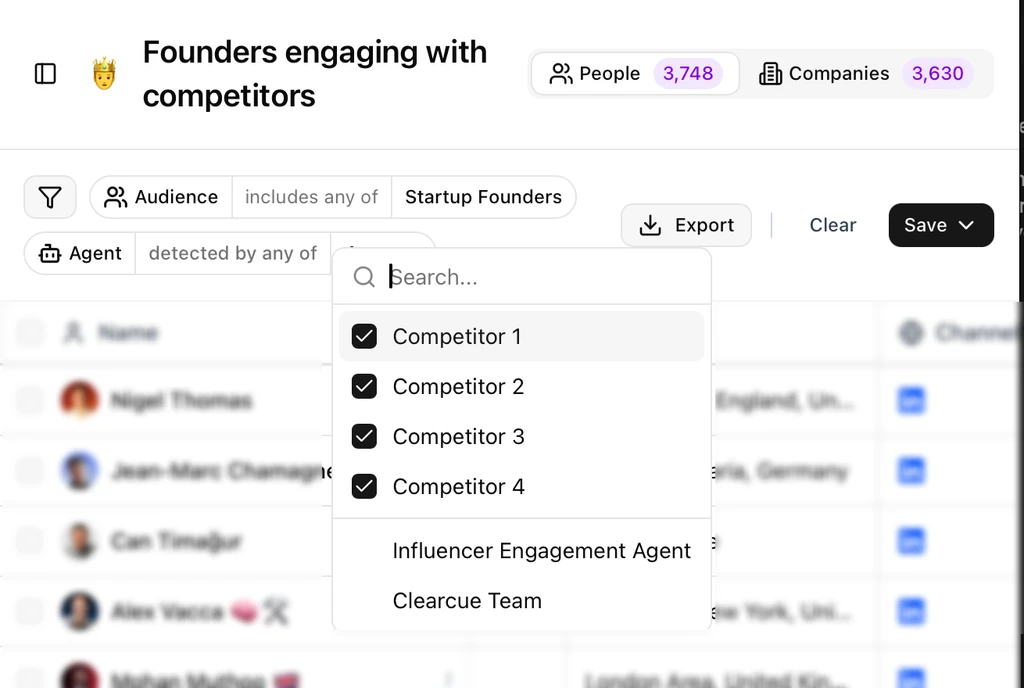
  • Engagers — People who like or comment on your competitors' social posts.
  • Commenters — People who leave comments on your competitors' social posts.
  • Outbound Activity — Monitor who your competitors' SDRs are targeting and starting to engage with.

My Brand

  • Engagers — People who like or comment on your brand, founders, or thought leaders' social posts.
  • Commenters — People who leave comments on your brand, founders, or thought leaders' social posts.
  • Profile Viewers — People who viewed your brand, founders, or thought leaders' social profile.
  • Connections — New connection requests and accepted invites for your brand's profiles.

Company Activity

  • Funding Announcement — Track posts announcing company funding rounds. Pick the round type (Seed, Series A, B, C, etc.) and Clearcue finds the announcements.
  • Hiring for Position — Find posts about companies hiring for a specific role. Enter "SDR" or "Product Manager" and surface every hiring post that matches.
  • New Office — Track companies opening new offices or expanding to new locations.

Sales Opportunities

  • Agency Search — Find posts from people actively looking for an agency in a specific industry.
  • Asking for Recommendations — People asking for tool or service recommendations. "Anyone using a good CRM?" — that's a signal.
  • Tool/Service Recommendations — People recommending or endorsing a specific tool. Great for tracking your own mentions or your competitors'.
  • Frustration Expression — People venting about a specific tool or service. If someone's frustrated with your competitor, that's your opening.
  • Lead Magnet — Posts offering free resources in exchange for engagement. Track lead magnets in your niche to find active audiences.

Conferences

  • Conference Attendees — People mentioning or attending a specific conference. Track who's going before the event starts.

Every template comes with pre-configured search queries and AI qualification prompts. You just fill in the variables — a competitor name, a job title, a location — and the signal is live.

Browse the Template Library

Clearcue MCP

Clearcue MCP

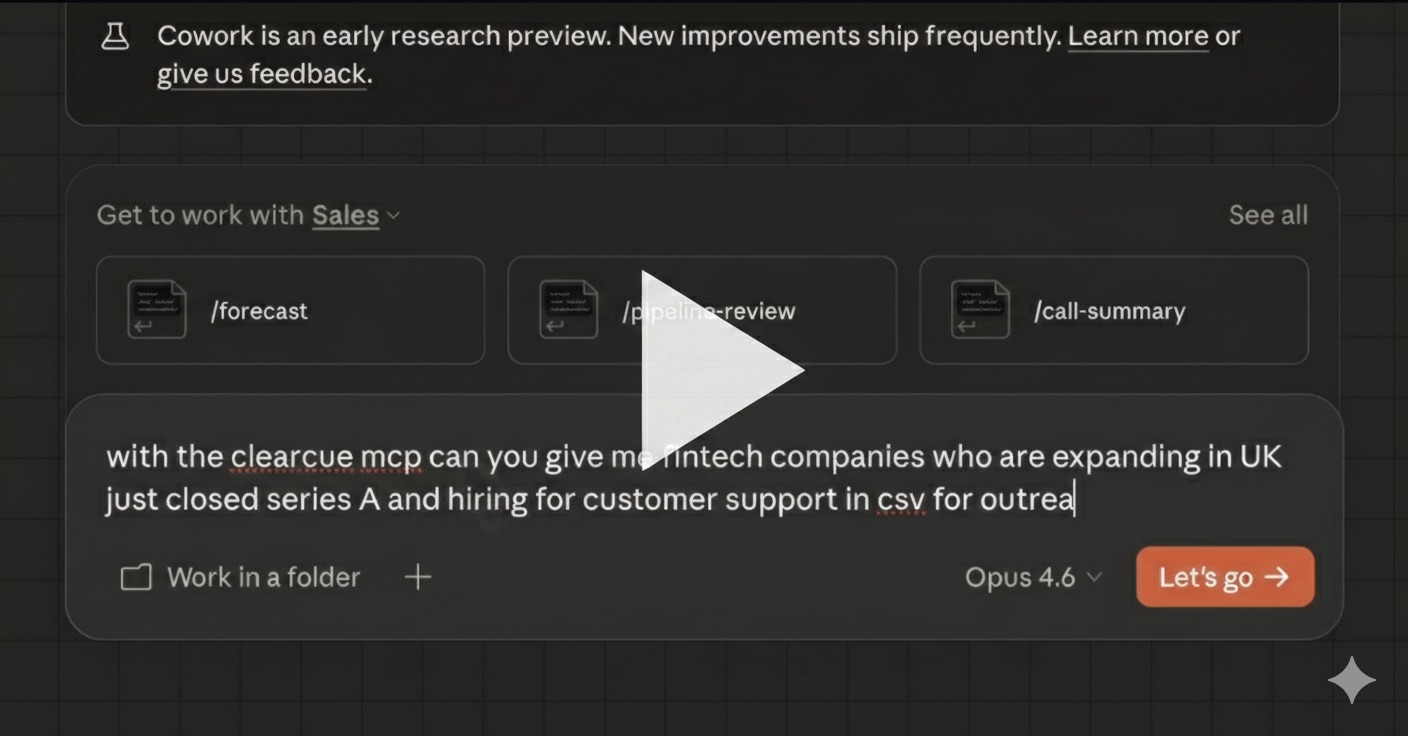
Your signals, your leads, your competitor insights. All accessible through a couple of prompts. No dashboards. No filters. No exports. Just ask.

Clearcue MCP is now publicly available. It connects your Clearcue data directly to AI tools like Claude, so you can query everything in natural language instead of clicking through the UI.

Here's what that looks like in practice:

  • "Show me all new people detected this week that match my ICP" — get a filtered list of high-intent leads without opening a single dashboard.
  • "Generate personalized outreach messages based on the signals collected for each person" — the AI sees exactly what they engaged with, commented on, or attended, and writes messages using that context.
  • "Compare my brand with my competitor's" — market positioning, audience personas, where you win, where they win, and what to do about it.

These aren't pre-built features. They're just questions. The MCP connection gives the AI access to your data and it figures out the rest.

Smart Signals

Smart Signals for your custom use case

Keyword tracking has a ceiling. You can monitor for "hiring" or "recommendations," but a keyword alone can't tell you if a post is actually about a team switching their tech stack or just someone sharing career advice.

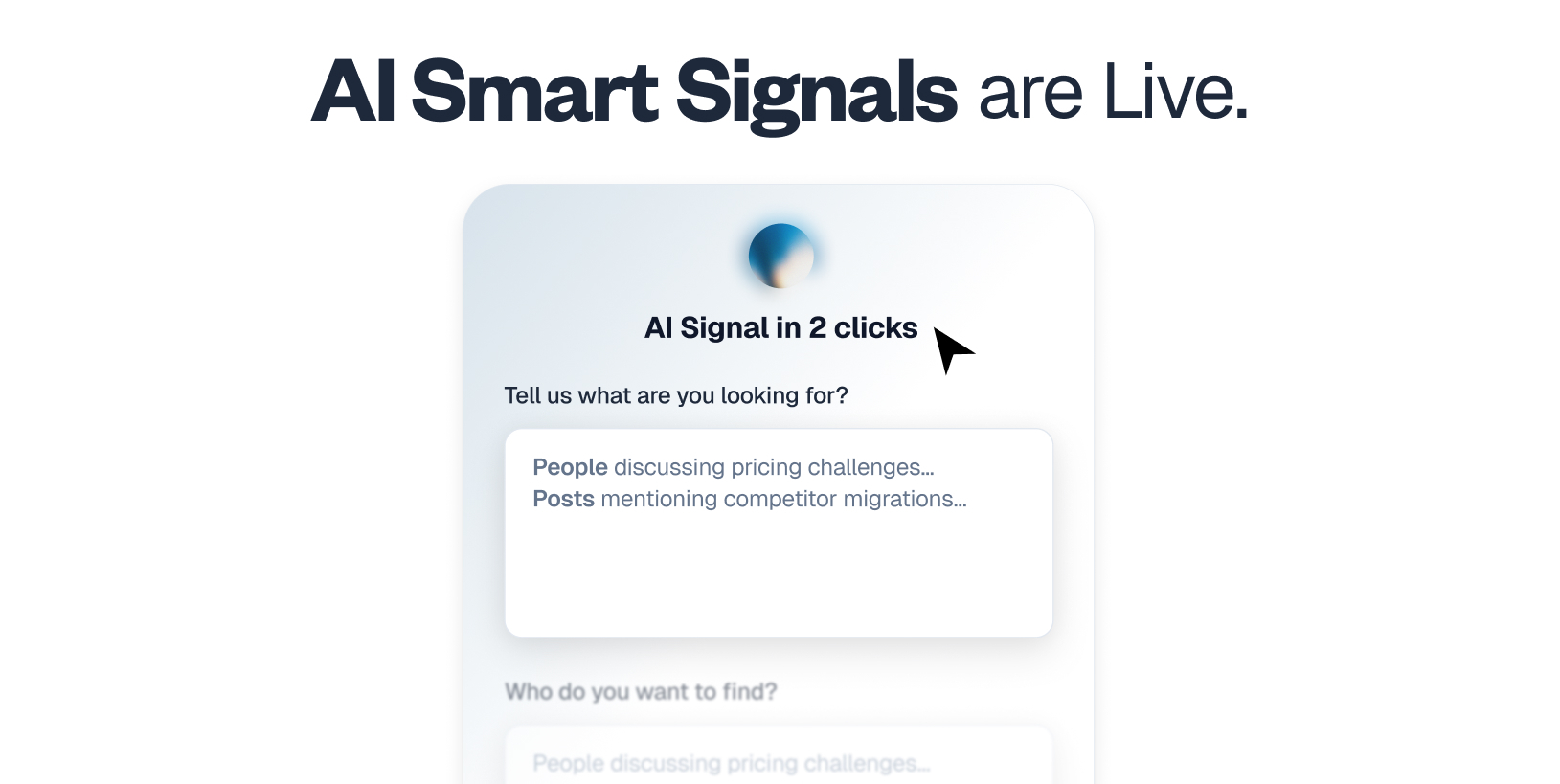
Smart Signals removes that ceiling. Every signal now goes through an AI qualification layer that filters out the noise. You describe what you're looking for. Clearcue finds only the leads that actually match.

Describe your use case in plain language:

  • "Companies opening a new office in London."
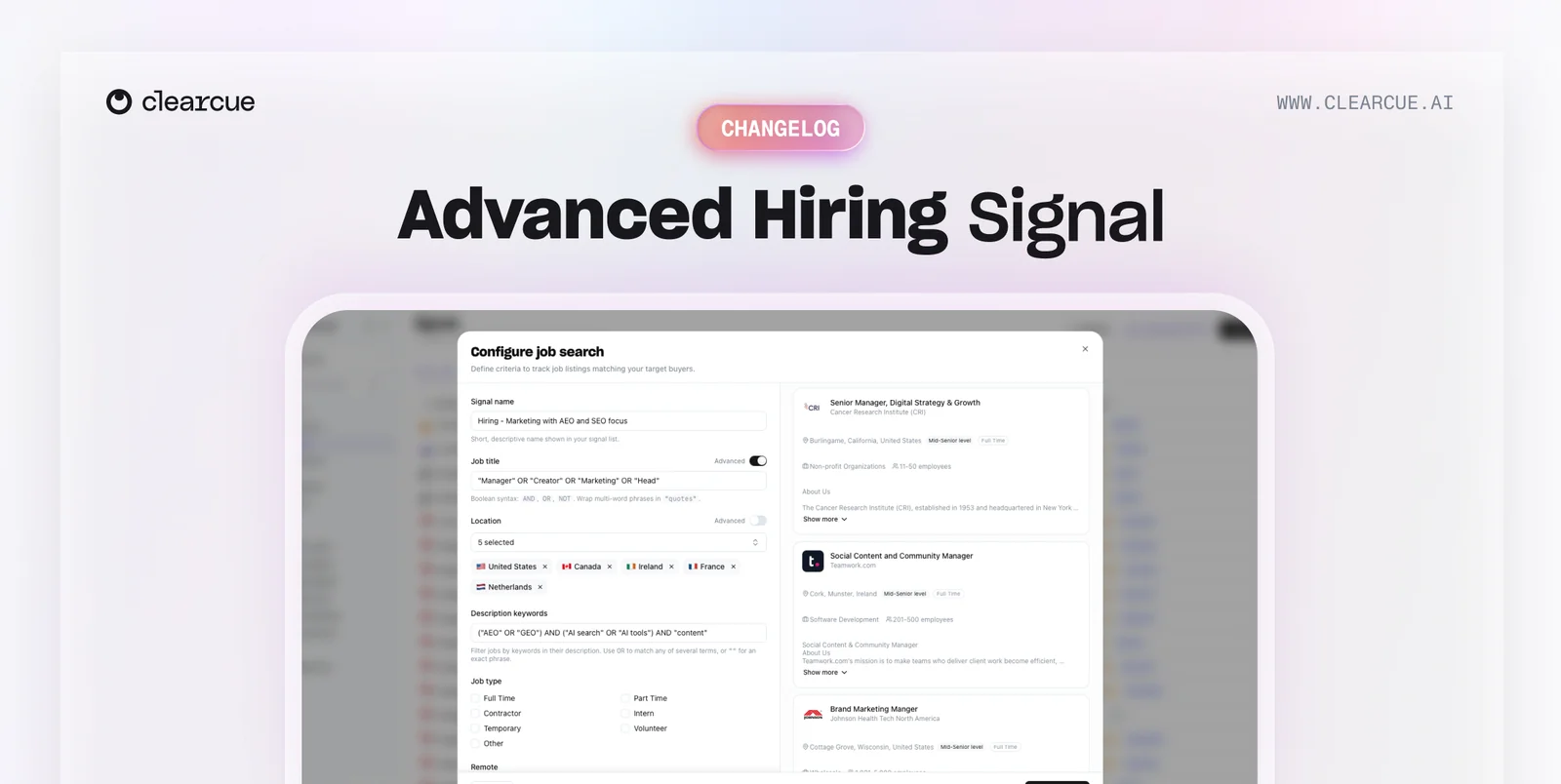
  • "Teams hiring marketing people responsible for SEO."

Clearcue reads the full context of every post, job listing, and announcement, then qualifies whether it actually matches your intent.

This means you can track things keywords never could:

  • Lead magnet posts about a specific topic, not just any post with "comment below" in it
  • Teams switching tools, which might surface as a hiring post for engineers with new framework experience
  • Companies expanding into new markets, which could be a mix of office announcements, hires, and partnerships

You describe the signal. Clearcue finds it.

Go to Signals → Create Signal → AI Signal

AI Signals Builder

AI Signals Builder

Everyone tracks the same signals. That's why they stopped working.

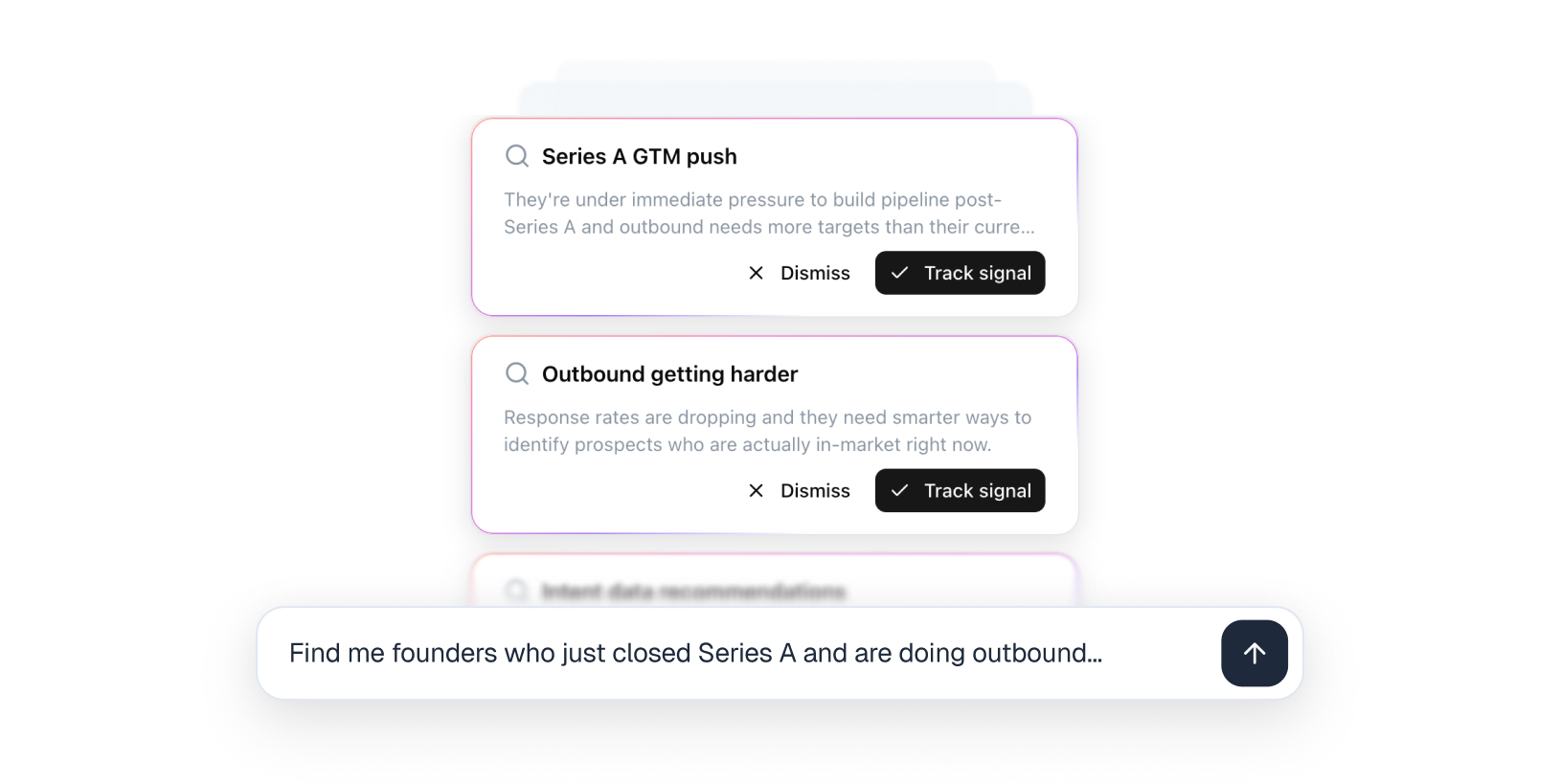
Instead of giving you a list of 50 signals to toggle on and hope for the best, you tell us what you're actually looking for. We do the rest.

Here's what happens under the hood:

  1. Set your goal (e.g., "find companies scaling their sales team")
  2. Give our AI some context: your ICP, what you're selling, why this signal matters
  3. The agent researches which signals actually indicate that intent
  4. It maps out where these signals can be found — social activity, job posts, company news, mentions
  5. It sets everything up for you, and in a couple of minutes you already have a list of companies showing that intent
  6. Sync with your favorite outreach tools through our integrations

No more copying what everyone else is tracking.

Signals built specifically for your business and what you're looking for.

Your outbound. Your signals.

Try it →

Outbound Activity

Outbound Signal

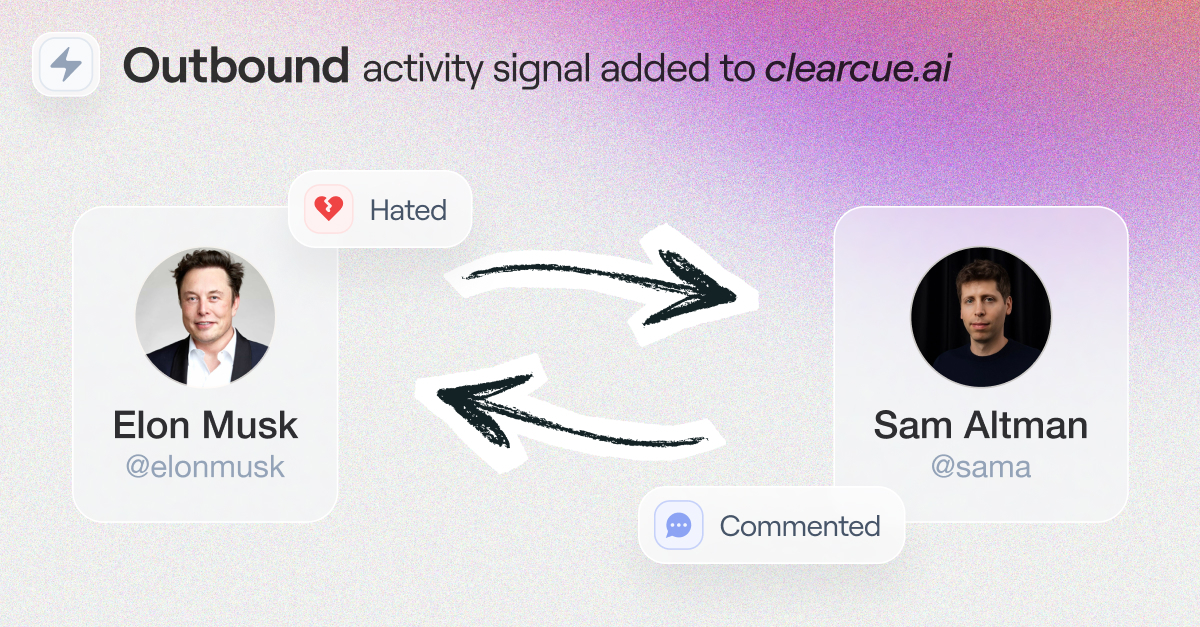
Your competitors' SDRs are building relationships with your potential customers right now. Wouldn't it be nice to know who they're targeting?

Outbound Activity tracks when salespeople engage with others on socials — comments, likes, reactions. When you add a competitor's rep as a data source, you'll see exactly who they're warming up.

The real power comes from stacking signals. Combine Outbound Activity with engagement tracking on the same prospects, and you'll spot bidirectional relationships forming — your competitor engaging with someone, and that person engaging back. That's not a cold lead. That's a deal in the making.

Catch it early and you still have a shot. Catch it late and you're fighting uphill.

Use cases

  • Track competitor SDRs to see who they're prospecting
  • Spot warm relationships before they turn into closed-lost
  • Identify accounts your competitors are prioritizing

Slack Integration

Slack Integration

Every lead has a window. But some windows close fast:

  • A founder asking for recommendations
  • A company opening a new job position
  • An ICP commenting on a competitor's lead magnet

Those need you now, not during your next pipeline review.

So we're bringing them straight to Slack.

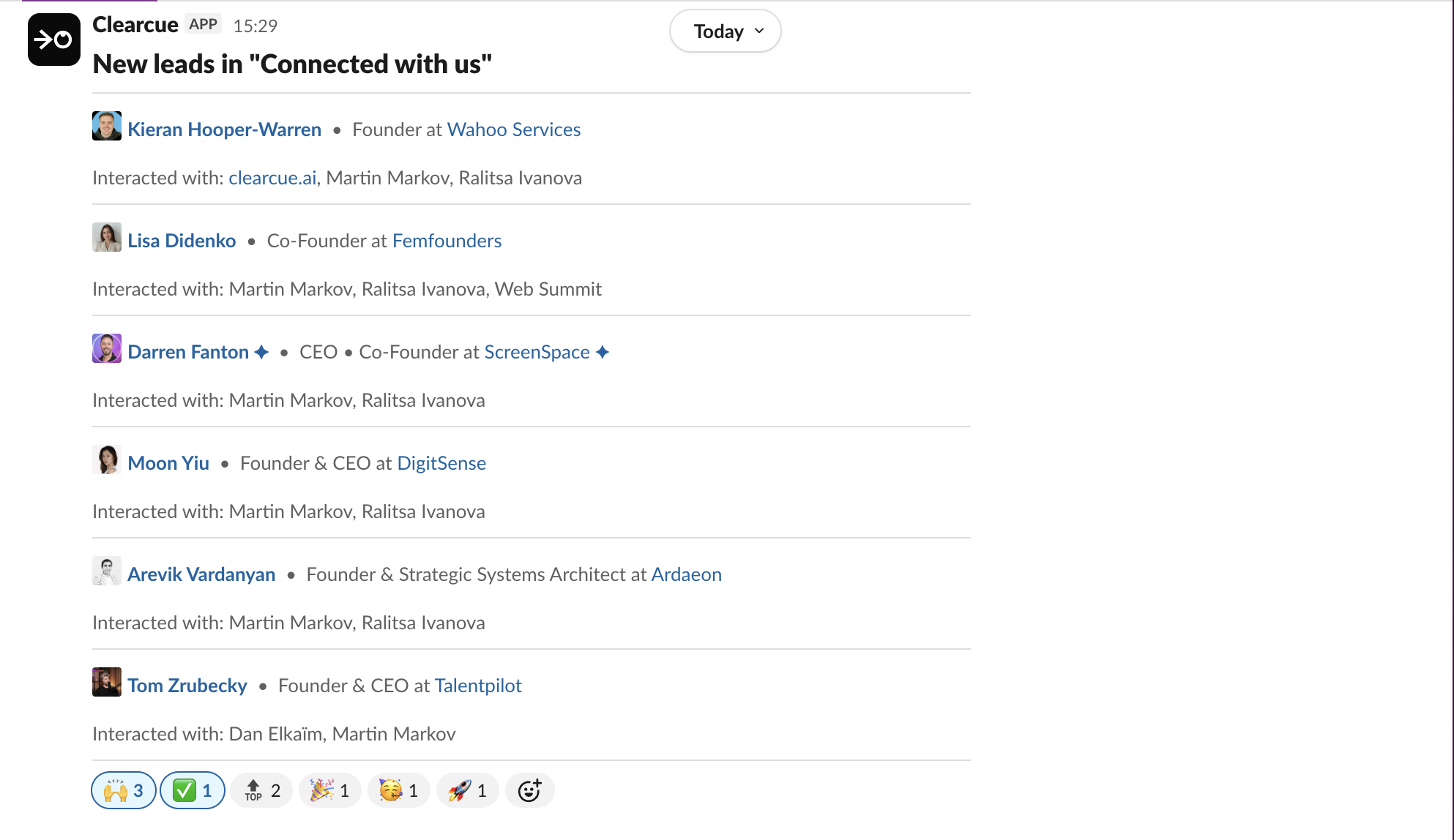
Connect Clearcue to your workspace and get notified the moment a qualified lead shows up.

When our agents detect someone matching your criteria or added to a list, you'll get a context-rich notification. Who they are, what signal triggered it, and why they matter.

From there, you decide: reach out immediately while the timing is right, or kick off deep research and prep a personalized sequence with more context before you go.

No more fear of missing someone important and hot. The leads come to you.

Researcher Agent

Researcher Agent

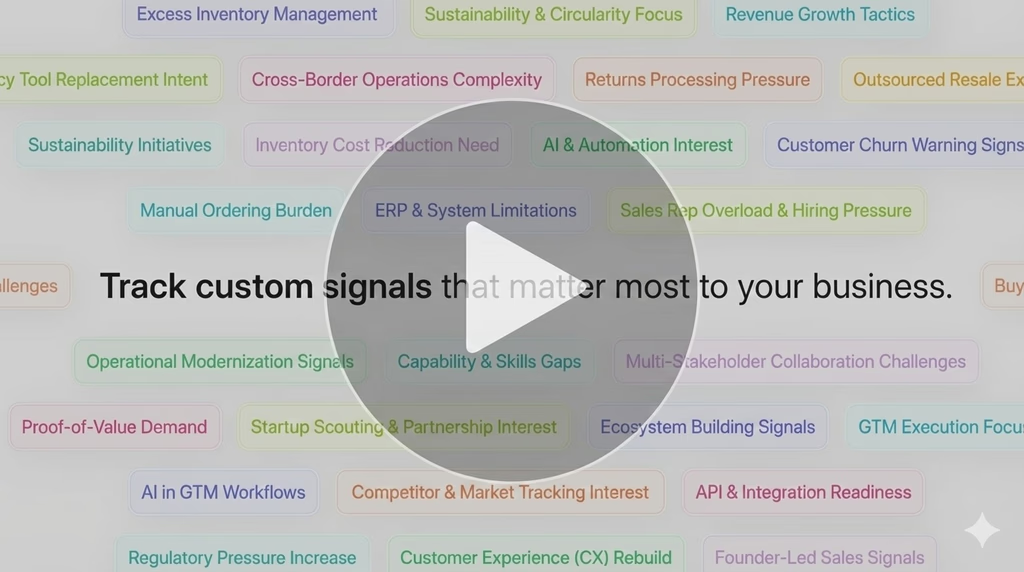
Custom signal tracking allows users to define what matters for their GTM. The agent scans socials, websites, news, and job listings to detect patterns like companies scaling with AI or teams researching regulations. It provides contextual insights showing why accounts matter right now.

Topic Listener Agent

Topic Listener Agent

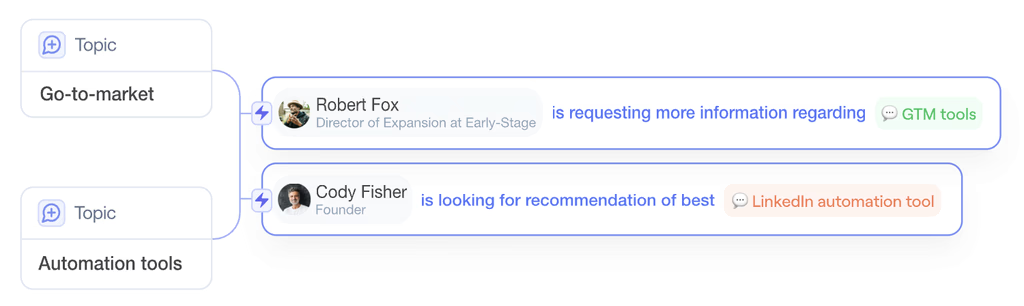
Monitors every LinkedIn post mentioning tracked keywords or phrases. Shows who's discussing topics, how they frame conversations, and audience engagement. Each post receives automatic enrichment with topics, intent, and lead profiles for spotting rising interest.

Dark Mode

Dark Mode

Dark mode launched across the entire app, adapting all interface elements automatically while maintaining readability and ease of use.

Quick Search

Quick Search

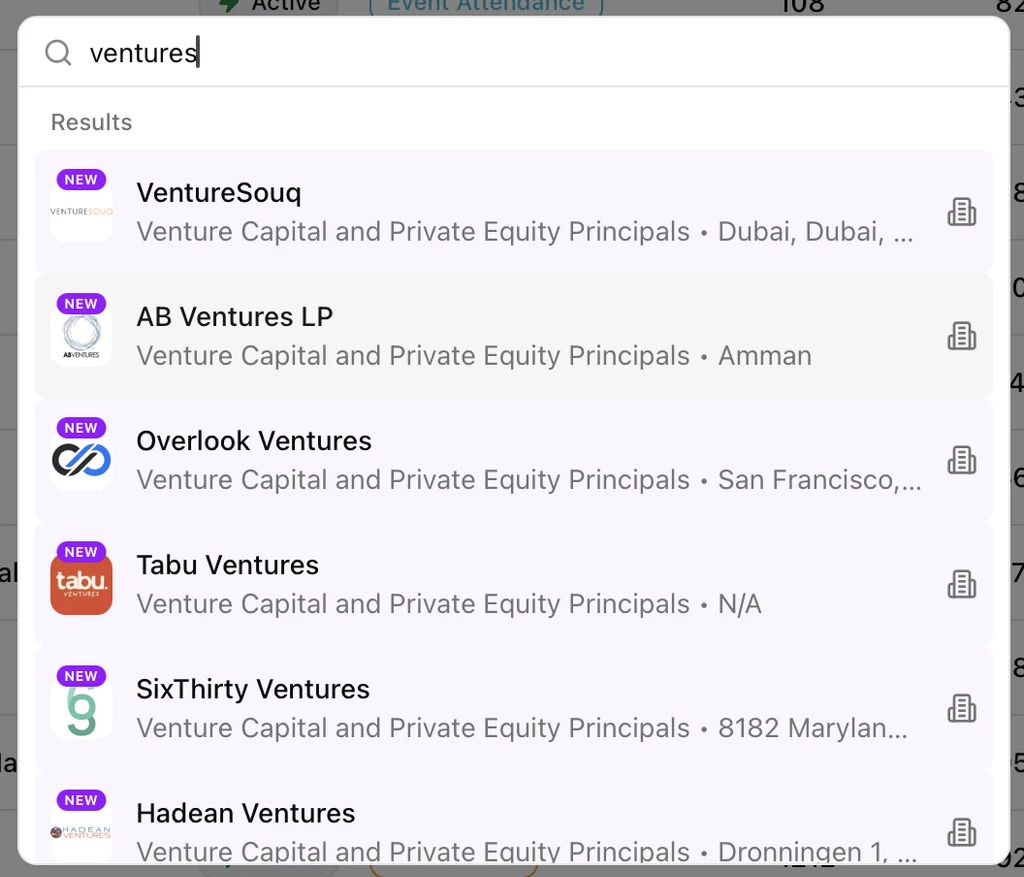
Users can search any name or company instantly using CMD + K, jumping directly to profiles with all activity and context displayed in one location.

Industry Filters

Industry Filters

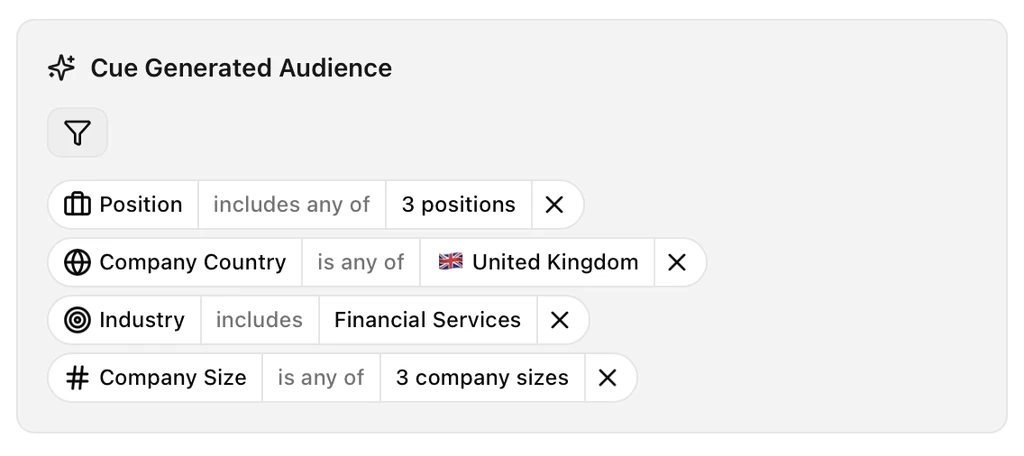
Search refinement now allows users to choose from available industries or input custom keywords, enabling inclusion or exclusion of specific sectors without rigid dropdown constraints.

Profile & Company Insights

Profile & Company Insights

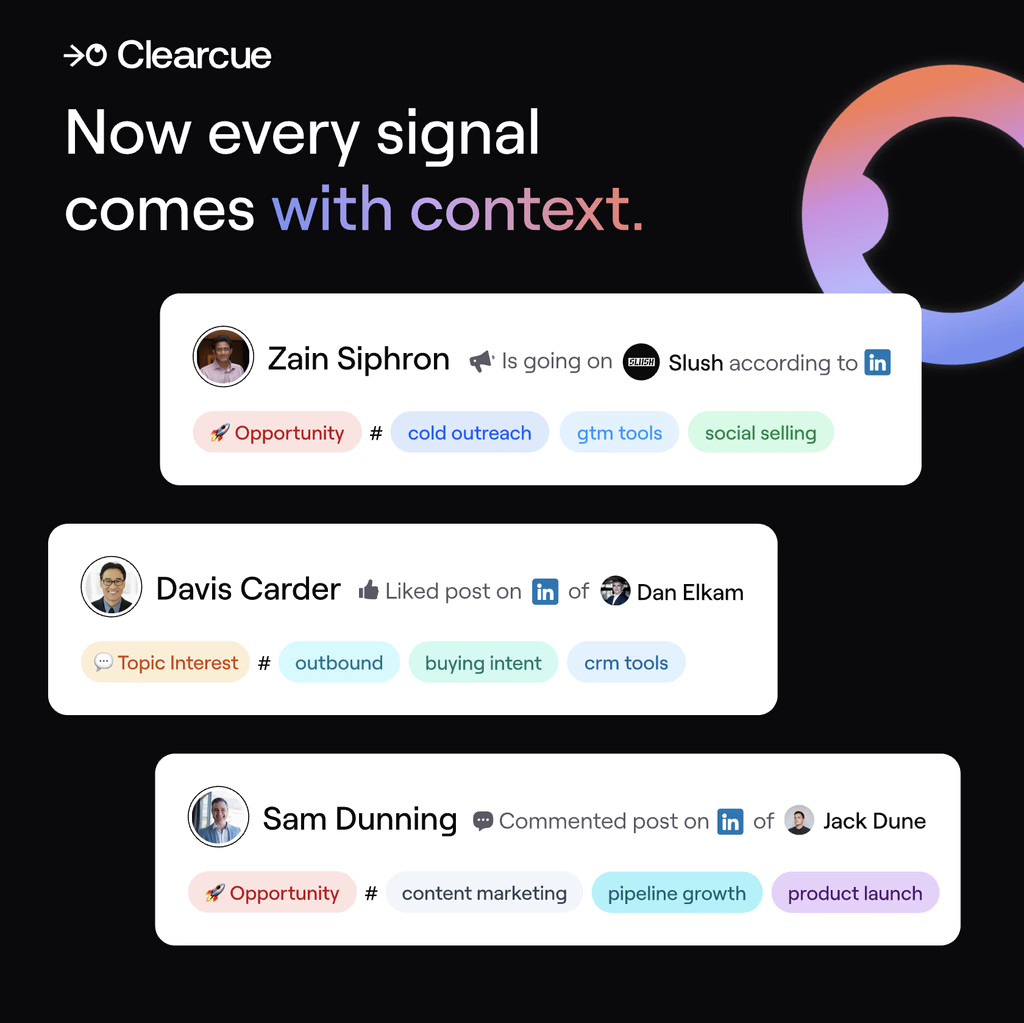
AI automatically categorizes signals as opportunity interest, topic interest, or brand interest. Users can open profiles to see recent signals with intent context and all company employees engaging with their team or brand.

Webhook

Webhook Integration

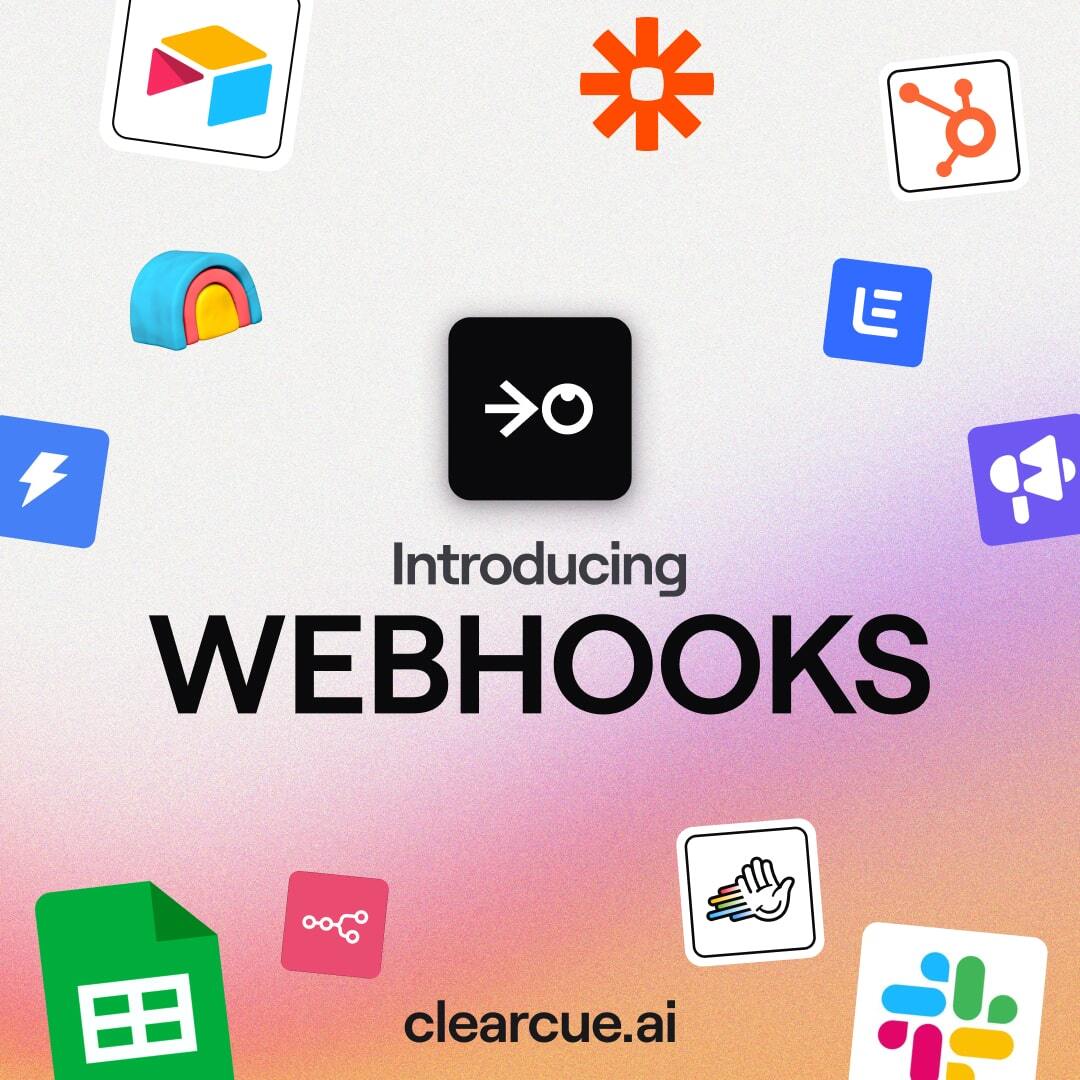
Webhooks enable syncing Clearcue with any platform, automating lead addition to sequences, Slack notifications for competitor engagement, and contact enrichment across systems.

Newly Found

Newly Found Badge

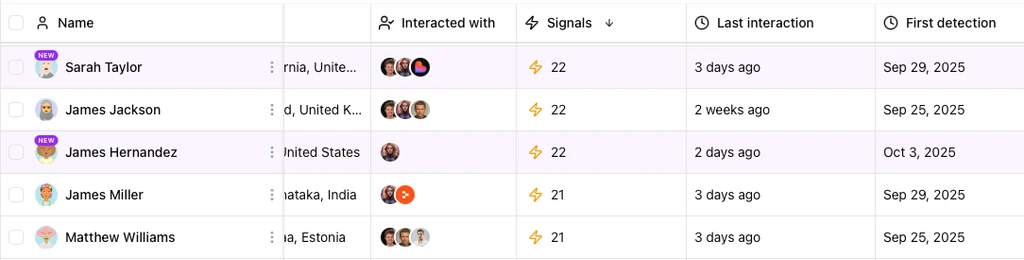
People and companies discovered within seven days receive "New" badges. A counter shows globally and per-audience how many new discoveries agents found. "First detected" column displays discovery timing with timeframe filtering options.

Mentioned Agent

Tracks who discusses your product, competitors, or industry space. Identifies people mentioning your brand, publicly engaging with competitors, or discussing complementary tool integrations.

Event Attendance Agent

Event Attendance Agent

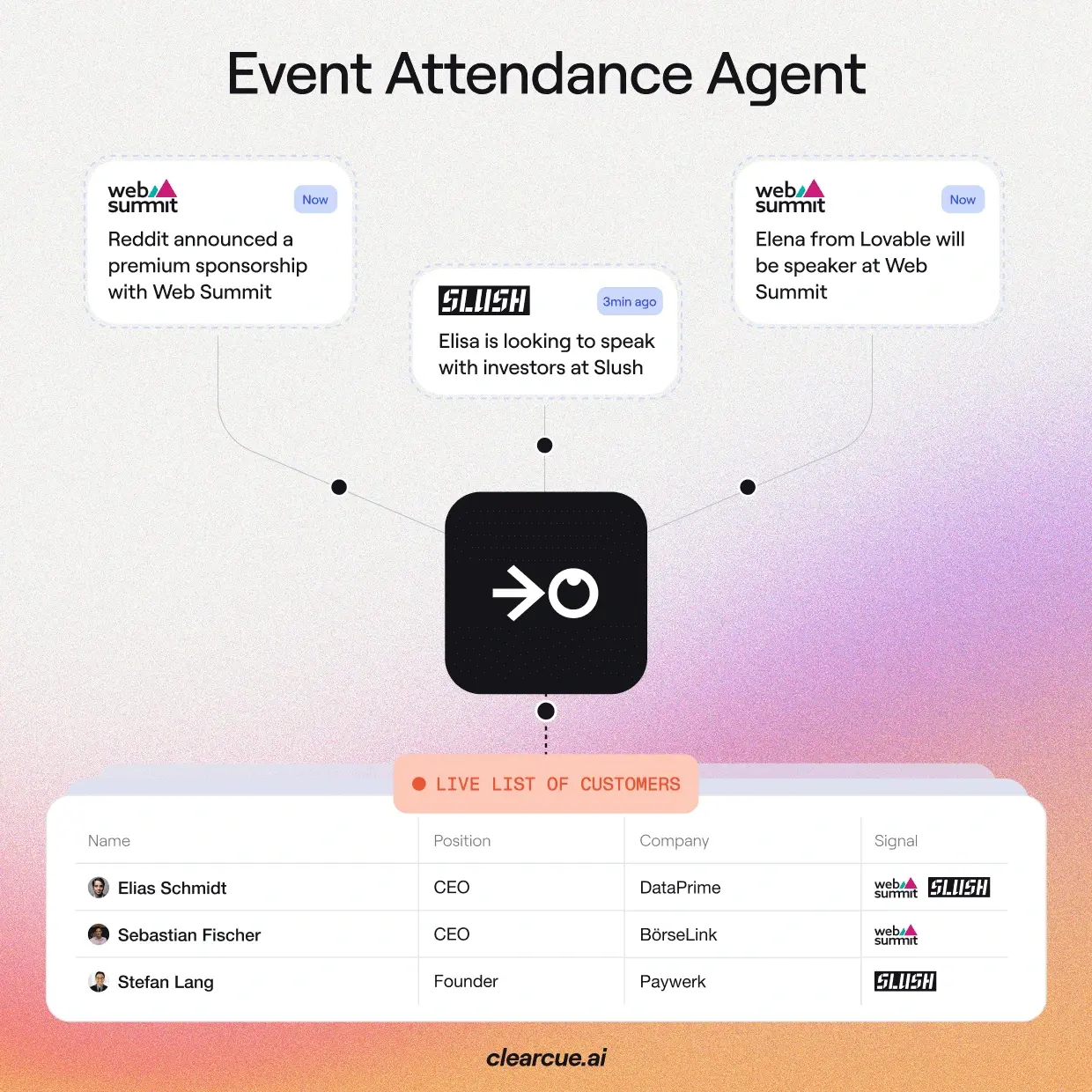
Automatically compiles live attendee lists from events without manual searching. Enriches each attendee with company information and prior interaction history with your brand or competitors.

Lists

Lists Feature

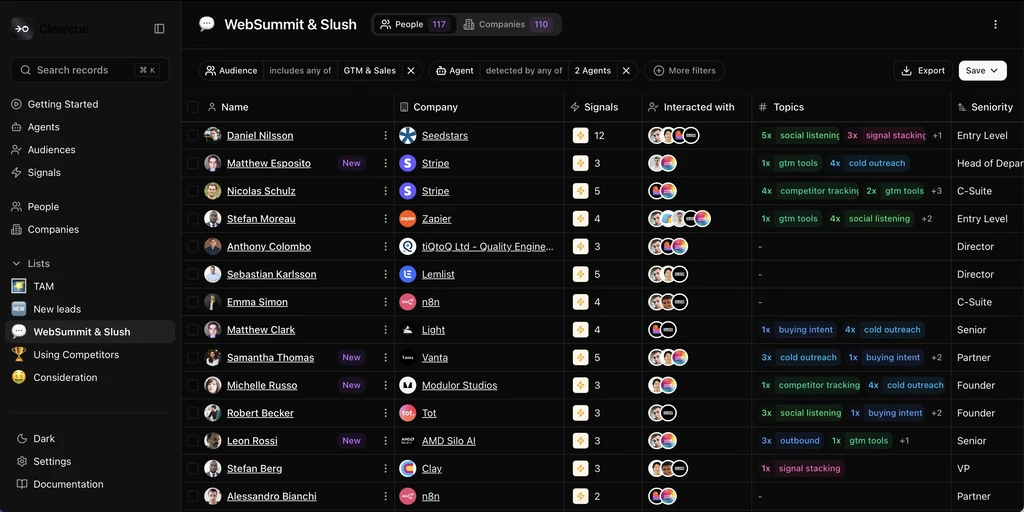
Combines agents and personas into dynamic lists showing only people matching ICPs while displaying real buying intent. Users can segment by competitor engagement, content interaction, or cross-team activity signals.

Improved Audiences

AI suggests optimal filter starting sets for audience creation, allowing users to fine-tune parameters for customized targeting without guessing initial criteria.

Agents

Agents

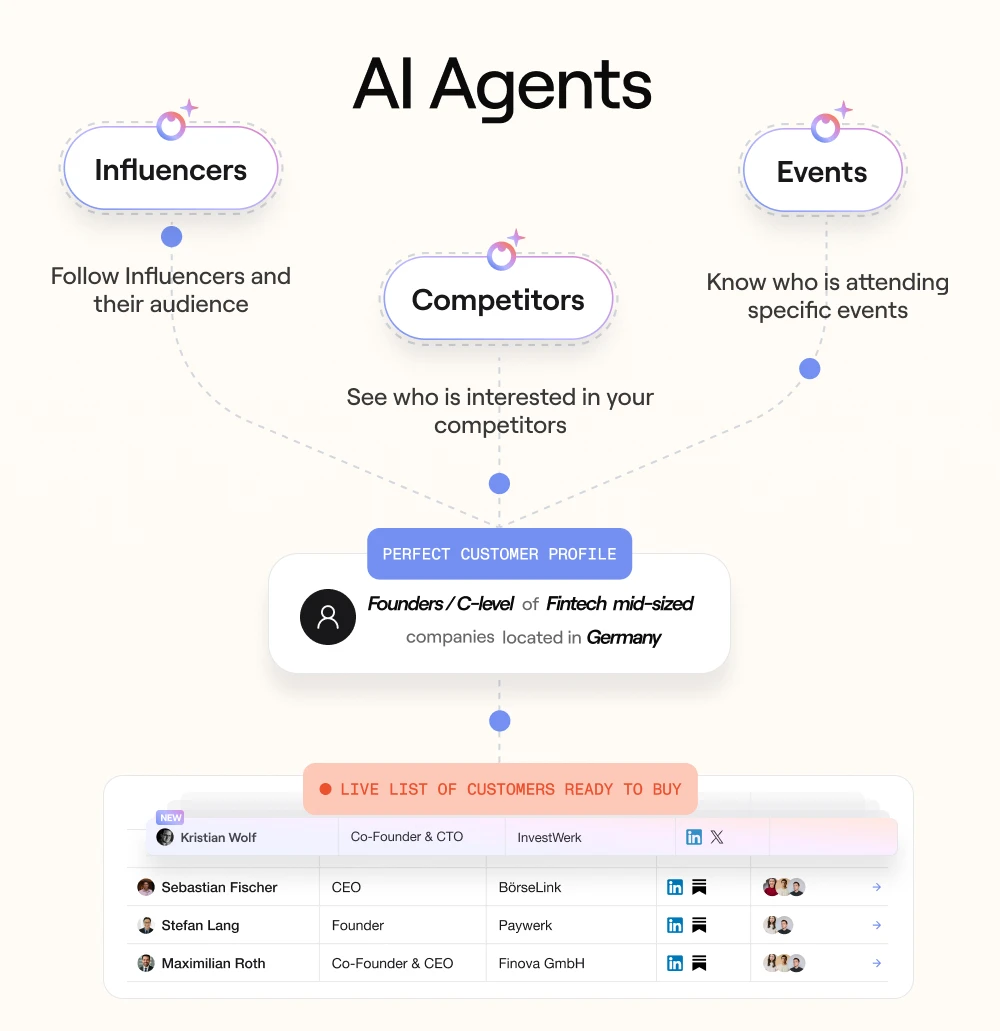
Automated teammates monitor buying signals across channels, connecting patterns and delivering warm lead lists. Users select relevant agents, define ideal buyers, and access live prospect lists showing purchase readiness.

Signals Timeline

Signals Timeline

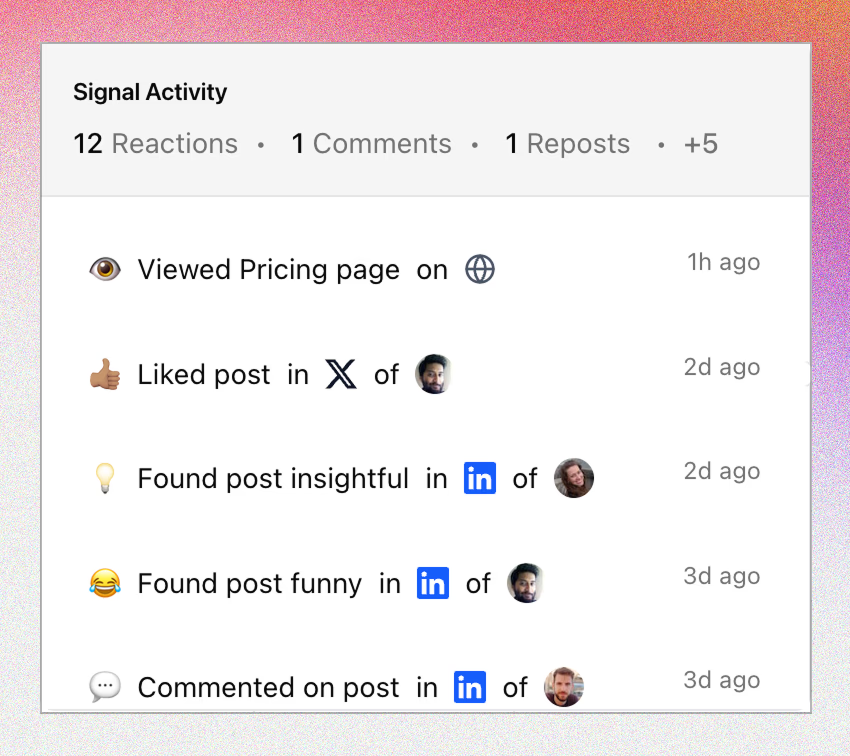
Recent engagement signals from all channels appear in one location within audiences, displaying exact timing and showing activity patterns forming over time to optimize outreach timing.

New LinkedIn Signals

"Viewed Profile" and "Connection" signals added to track when audience members check profiles or connect, particularly after posts, events, webinars, or campaigns.

External LinkedIn Signals

Track LinkedIn Pages

Track engagement on any LinkedIn account, not just your own. Monitor buyer activity around competitors, industry leaders, or customers and receive notifications when relevant people engage with external content.

Tags

Tags

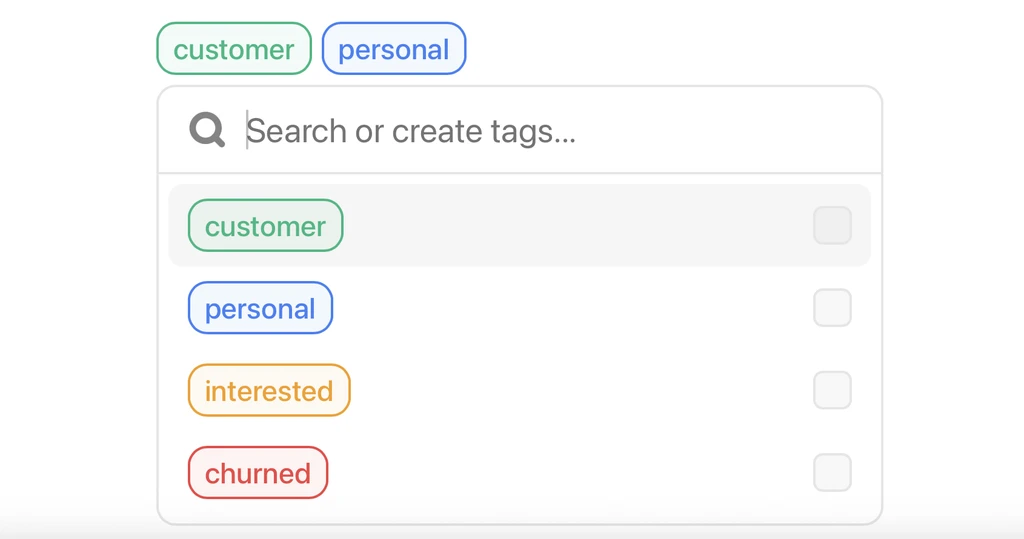
Users add custom tags to leads and accounts (e.g., "Open Opportunity," "Partner Lead"). Tags appear across all views, filterable for segmentation and outreach list building aligned with sales processes.

Audiences

Audiences

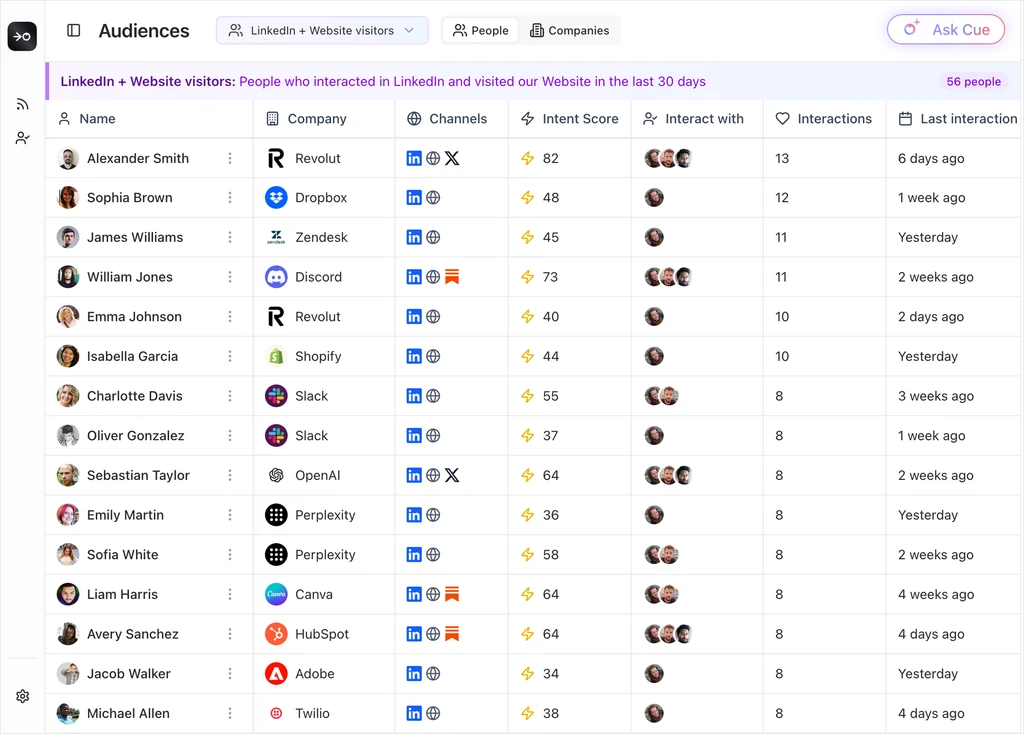
Save and track important customer segments like ICPs or strategic accounts. Toggle between people and account views, with audiences appearing contextually throughout the platform for quick filtering and analysis.

Multiprofile Interactions

See exactly which profiles each lead interacted with, mapping personal profiles, sales reps, or company pages to unified contacts for complete interaction journey visibility.

Track LinkedIn Pages

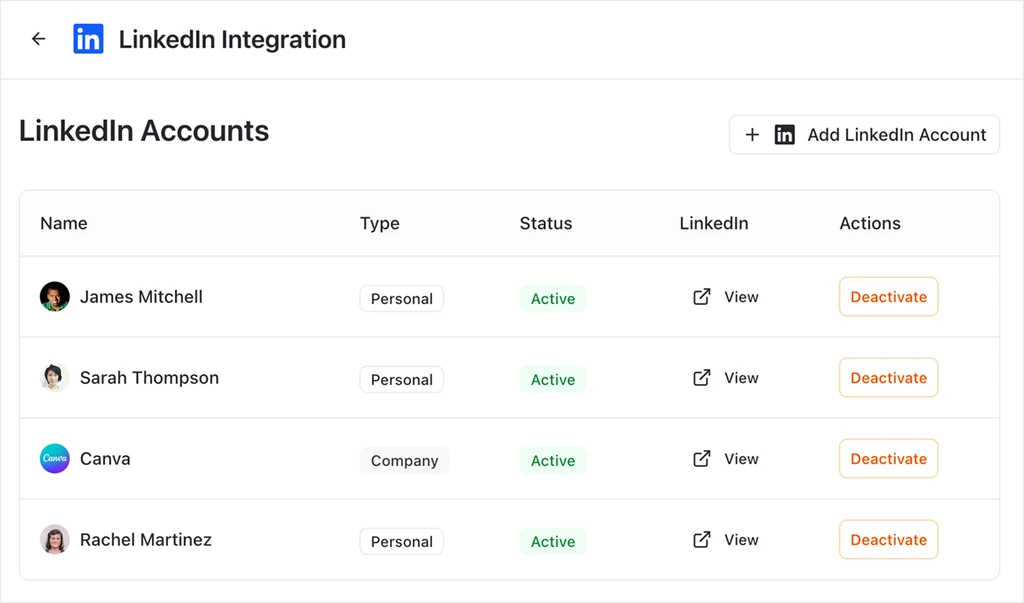
Connect company LinkedIn pages alongside personal profiles to see engagement across all account pages and combine signals for identifying warm leads with fuller context.

Content Performance

Track content performance with audiences, showing views, engagement, and lead activity by persona and segment. Identify which content resonates with decision-makers and see companies engaging with tracked material.

Cue AI

Cue AI

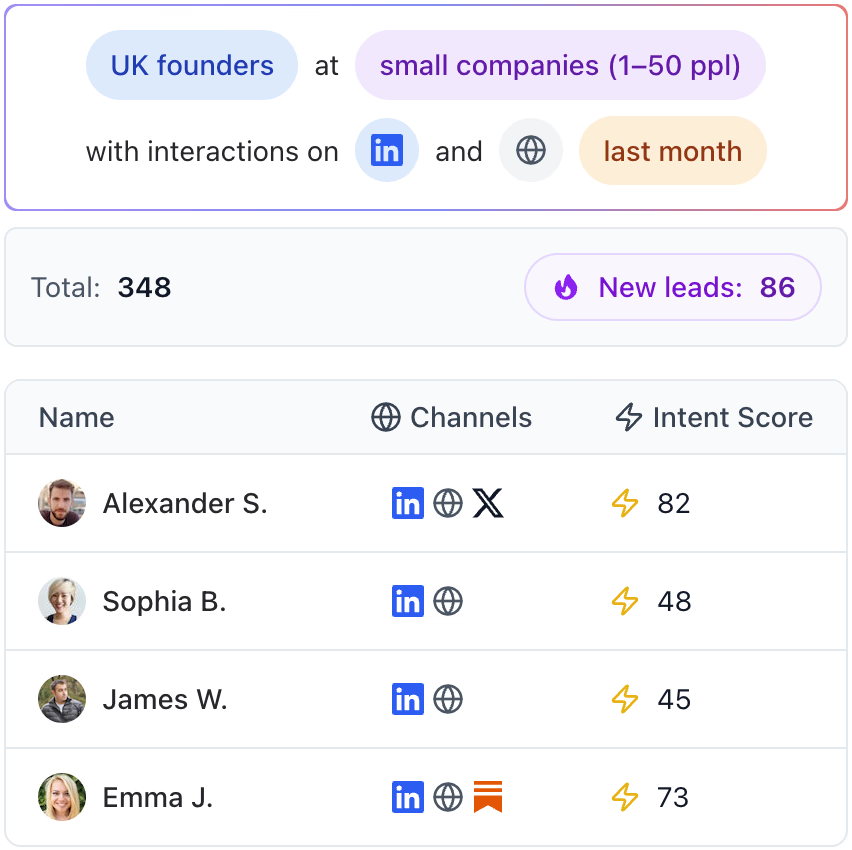
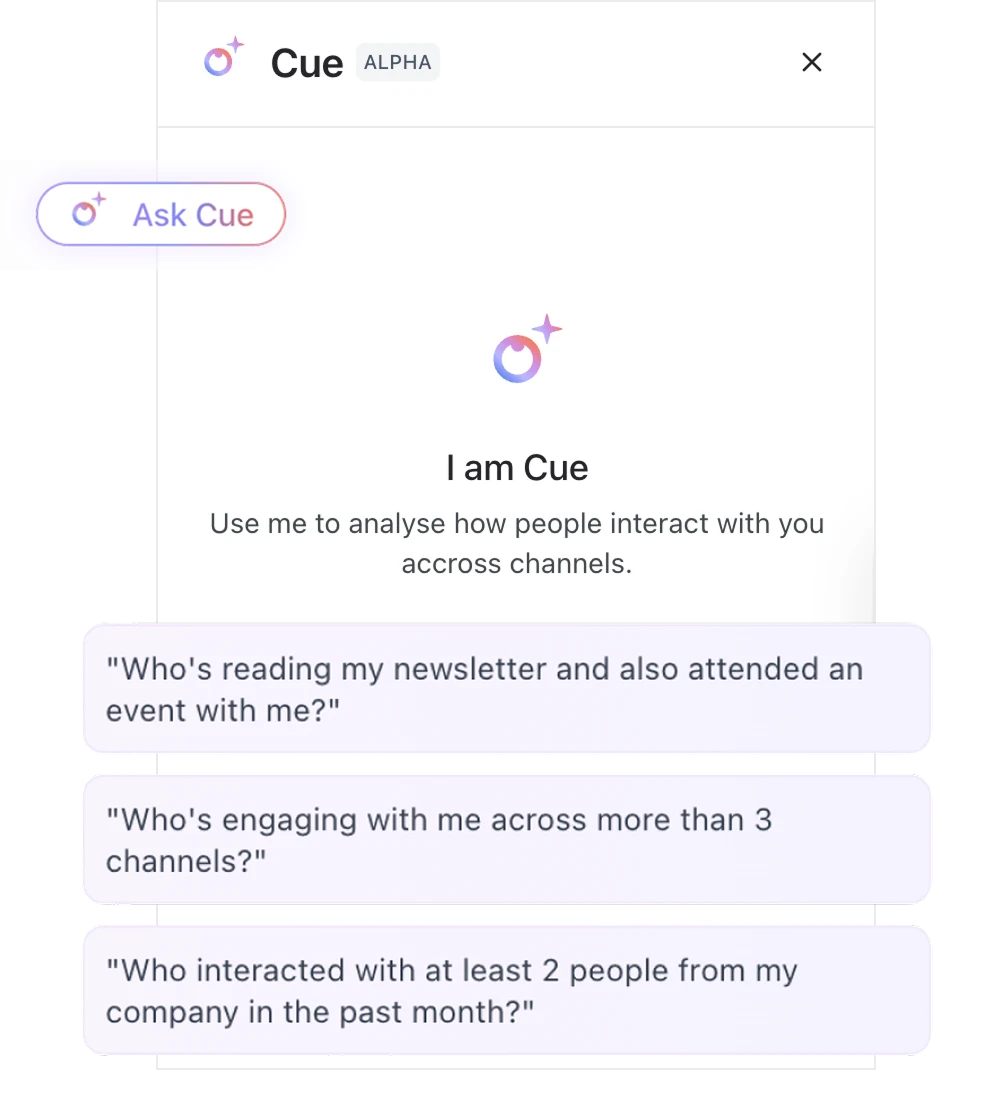
Natural language chat interface querying company data across sources. Users ask questions like "Show founders who interacted more than 3 times last month" and receive precise, ready-to-use answers without dashboards or report building.

All Your Engagement, One View

Unified Engagement View

Unified display of people engaging with all content across posts, newsletters, and campaigns, with interactions linked to real people and companies. Filter by seniority, role, location, industry, or company size to identify warm leads quickly.